What it does
Everything a real shop needs, in one system.
Every module talks to the others. A sale updates stock, an invoice updates the ledger, a payment updates the client's balance. The trade-specific modules — job cards, serial numbers, lay-by — live on the Extras page.
POS & Sales
Barcode checkout, split payments across cash, M-Pesa, bank and cheque on one sale, plus invoices, quotes, credit notes and price tiers.
Real Accounting
Genuine double-entry books underneath — chart of accounts, journal, trial balance, balance sheet, P&L and bank reconciliation. Expenses and petty cash are on every package.
Purchasing
Suppliers, LPOs, purchase returns and payments out — with supplier credit tracked properly.
Stock & Inventory
Stock groups, reorder alerts, audited adjustments, multi-location transfers, and CSV/Excel import and export. Items can carry an expiry date, a shade, or a pack you sell part of.
Team & Security
Per-user permissions rather than fixed roles, password re-confirmation before every delete, and a full log of who did what.
Maintenance & Backup
One-click local backup and restore with optional encryption, encrypted off-site Cloud Backup on Pro and Enterprise, and a Master Export on every package for the day a backup will not open.
Loyalty Points
Customers earn and redeem points automatically, with full history — no separate card scheme to manage.
Messages to the Customer
An SMS when a payment lands, an invoice goes out or a sale is rung up. A separate screen lists everyone who owes you, and you tick who gets a reminder.
Dates That Match Reality
Every screen that records money or moves stock has a date box — for the supplier paid on Friday and entered on Monday. A stock take is dated to the day it was counted.
Reports That Answer Questions
Sales, tax, cash flow, due list, staff and client performance — plus a custom report builder for anything the standard set misses.
Easy to miss
The details that make daily use faster.
Restaurant Mode
Switches the register from a plain list to a photo-and-price card grid, sized with a slider — built for fast visual ordering.
Custom Item Memory
Selling something not in your catalogue? Save it for reuse on the spot, then add it to real stock in one click later.
Cloud Backup
Pro and Enterprise push an always-encrypted backup off-site. Your provider never sees the contents.
Custom Reports Builder
Pick a data source, columns, filters and sort order, then save it for next time.
Price Tiers
Set a wholesale price alongside retail on any item — the register switches tiers per sale.
Barcode Label Printing
Print your own barcode labels straight from Add/Modify Stock — no separate labelling software.
Remappable Shortcuts
Every shortcut in POS, Invoicing and Purchasing can be changed or disabled per device.
The File for the Worst Day
Every record in one file, each table sealed on its own, so a damaged copy still gives back the tables that survived. Check this file says what's recoverable without restoring it.
Search That Goes All the Way Back
The search box on the Sales Log and the payment screens looks past the rows on display into the database, so last year's payment comes back by its number or its M-Pesa code.
Two Checks Before the Till Closes
Closing the app on the shop's server warns you if the cash drawer is still open and who opened it, and if no copy of the data has left the computer in three days.
A Sign-out Timer Per Till
How long a till waits before signing itself out is set per device. Sign back in and you land on the screen you left, cart still in it.
Appearance, Your Way
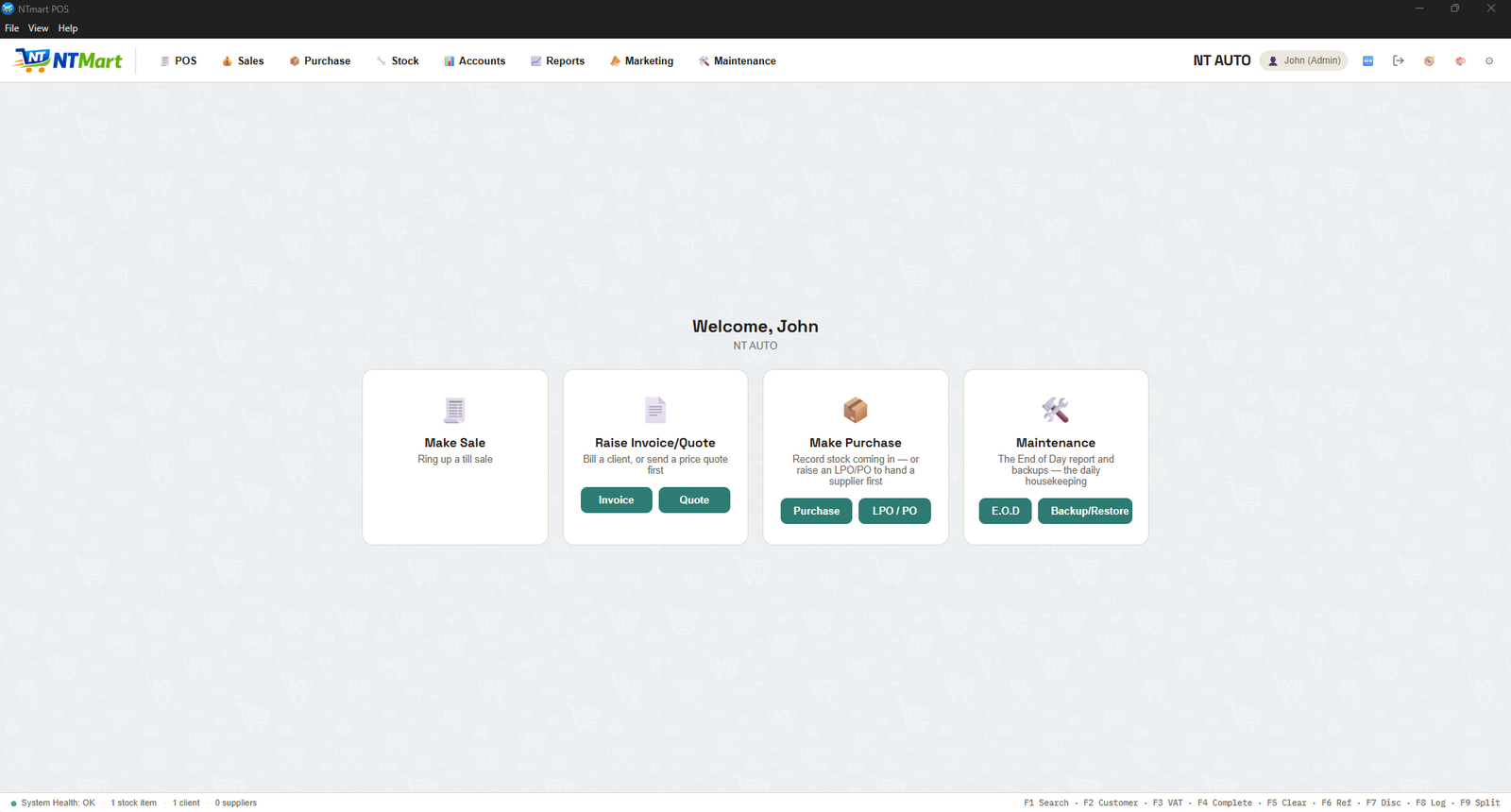
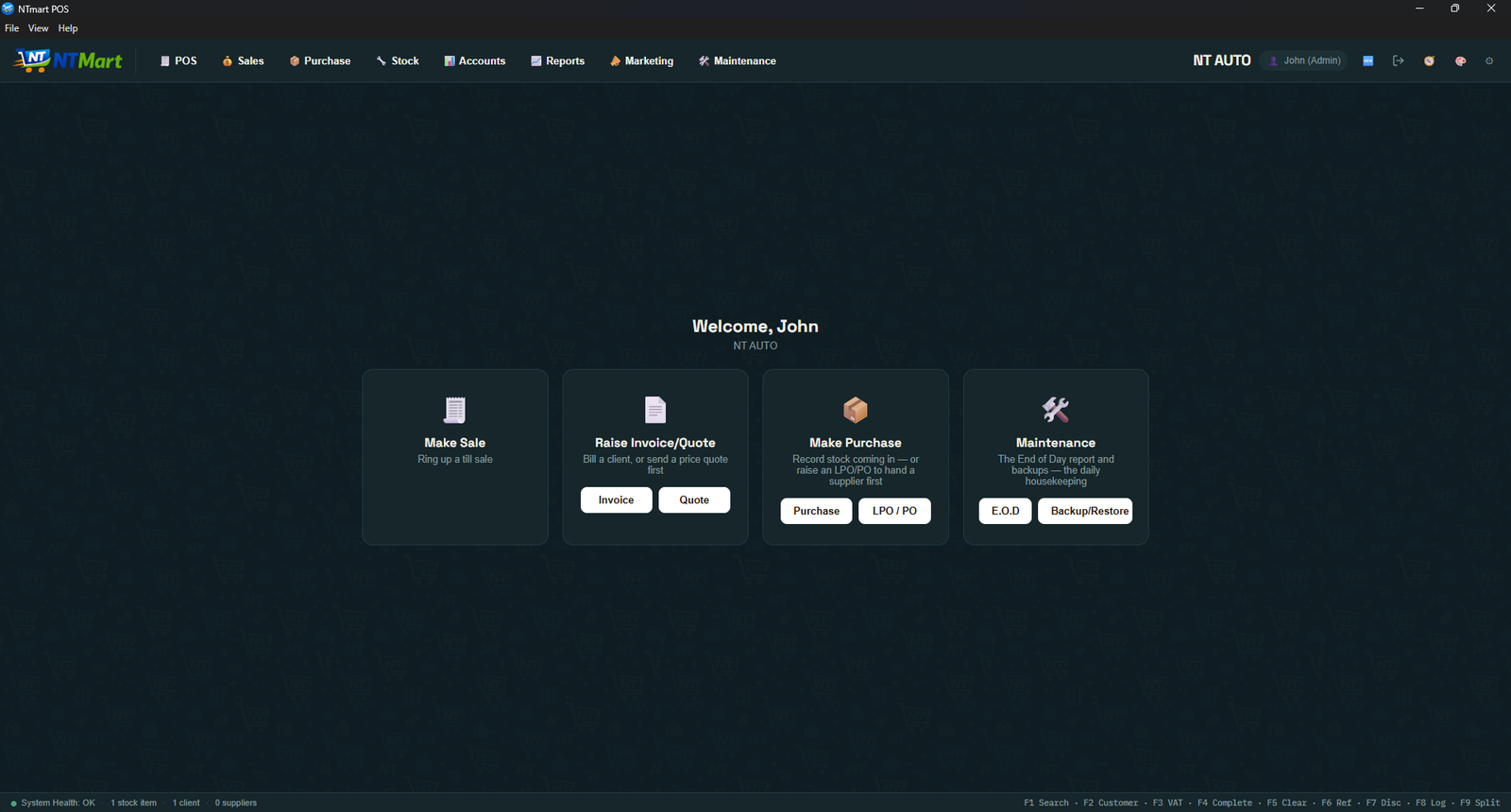
Dark, Light or Black theme, 8 accent colours, compact or large display — each till can look different on the same shared data.
Built for here, not adapted for here
The local details aren't an afterthought.
M-Pesa, properly
Paybill and till number on the receipt. Cash, M-Pesa, cheque and bank deposit are all first-class methods, splittable on one sale. Push-to-phone prompts are an add-on.
eTIMS, on your own machine
Invoices and till receipts go to KRA signed, and the customer's copy prints the receipt number, the signature and KRA's own verification QR. The control unit sits on your computer, not ours, and a receipt that hasn't reached KRA says so in words rather than carrying a QR that proves nothing. A till that can't reach KRA keeps selling and queues what it owes. Unlocked as a paid add-on.
KRA PIN & VAT, native
Tax rates, KRA PIN and VAT reporting built into every document and report — not a workaround.
Runs where your shop already is
Shared hosting, a local network server, or fully offline on one PC with no internet — your call, not a forced subscription to someone else's cloud.
A desktop app, if you want one
A proper installed app with silent receipt printing and no browser address bar — for a till that's meant to look like a till.
Priced per till, not per guess
Each package includes a set number of stations. Add more one at a time instead of paying for a tier upgrade you don't need yet.
See what each tier includes